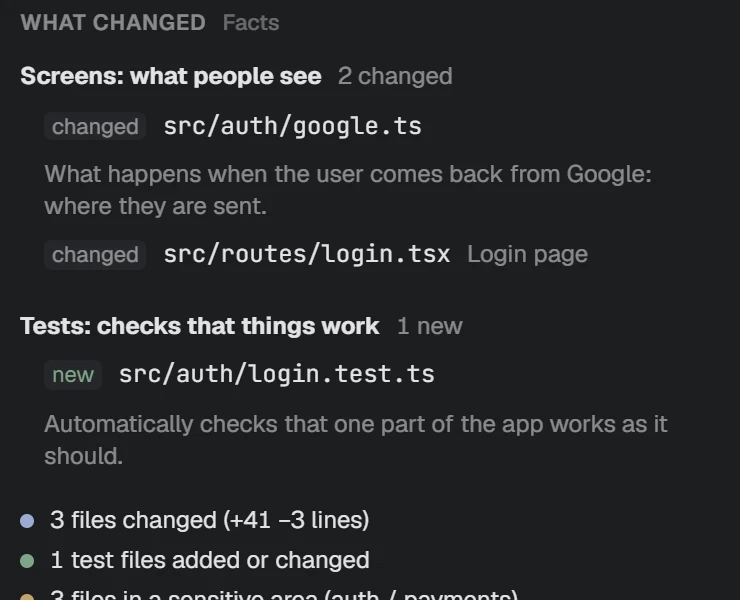
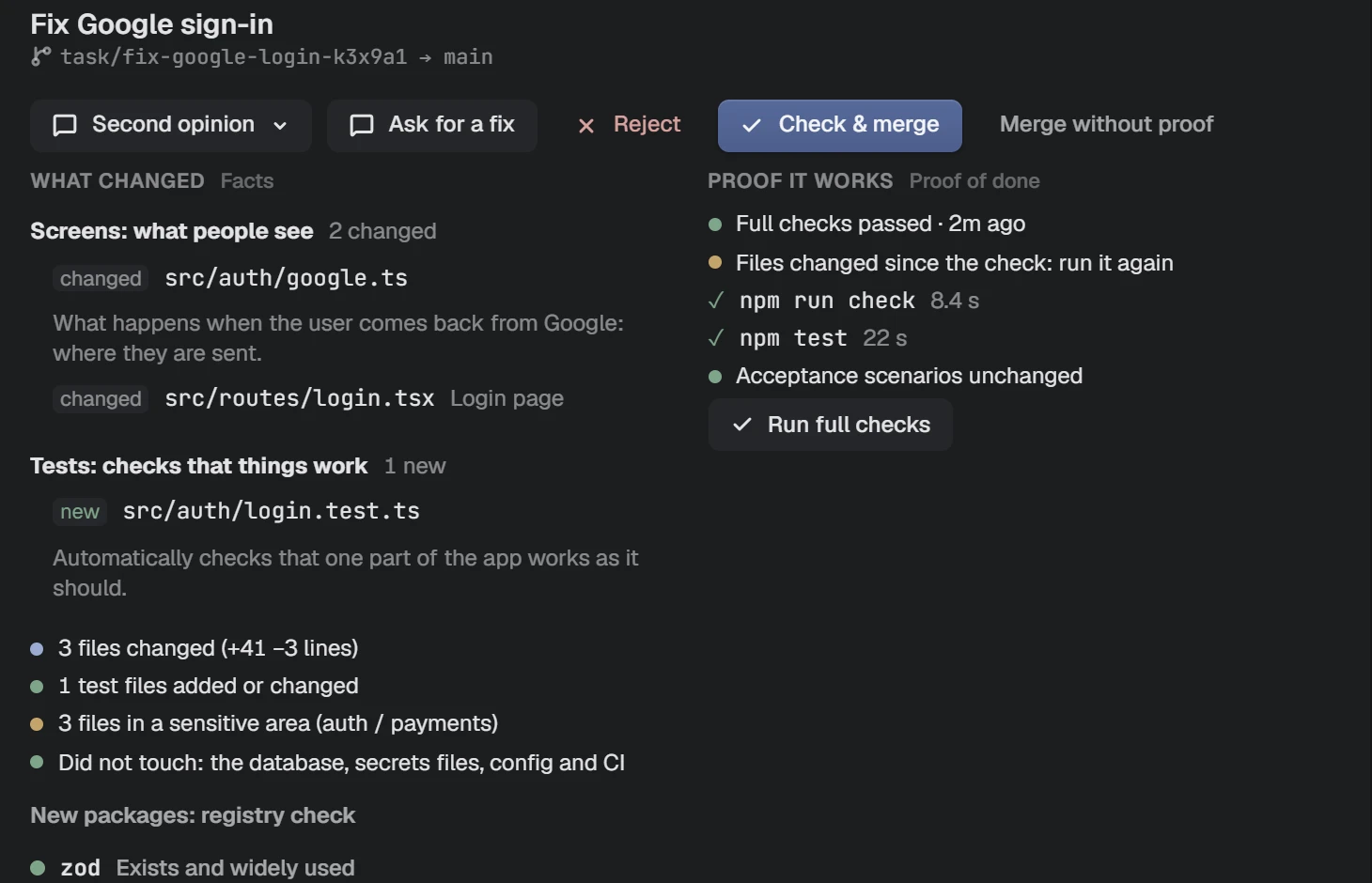
What changed, in plain words.
Every change grouped by part of the app, with what each file is. Not a wall of code.
Features
Built for people who work with AI agents but do not come from code. Everything is explained in plain words and pictures.
Marked Pro features need the Pro plan. Everything else is free. Pricing is announced at launch.
Read what the agent is doing as it happens. Not a guess: the same clear sentence every time.
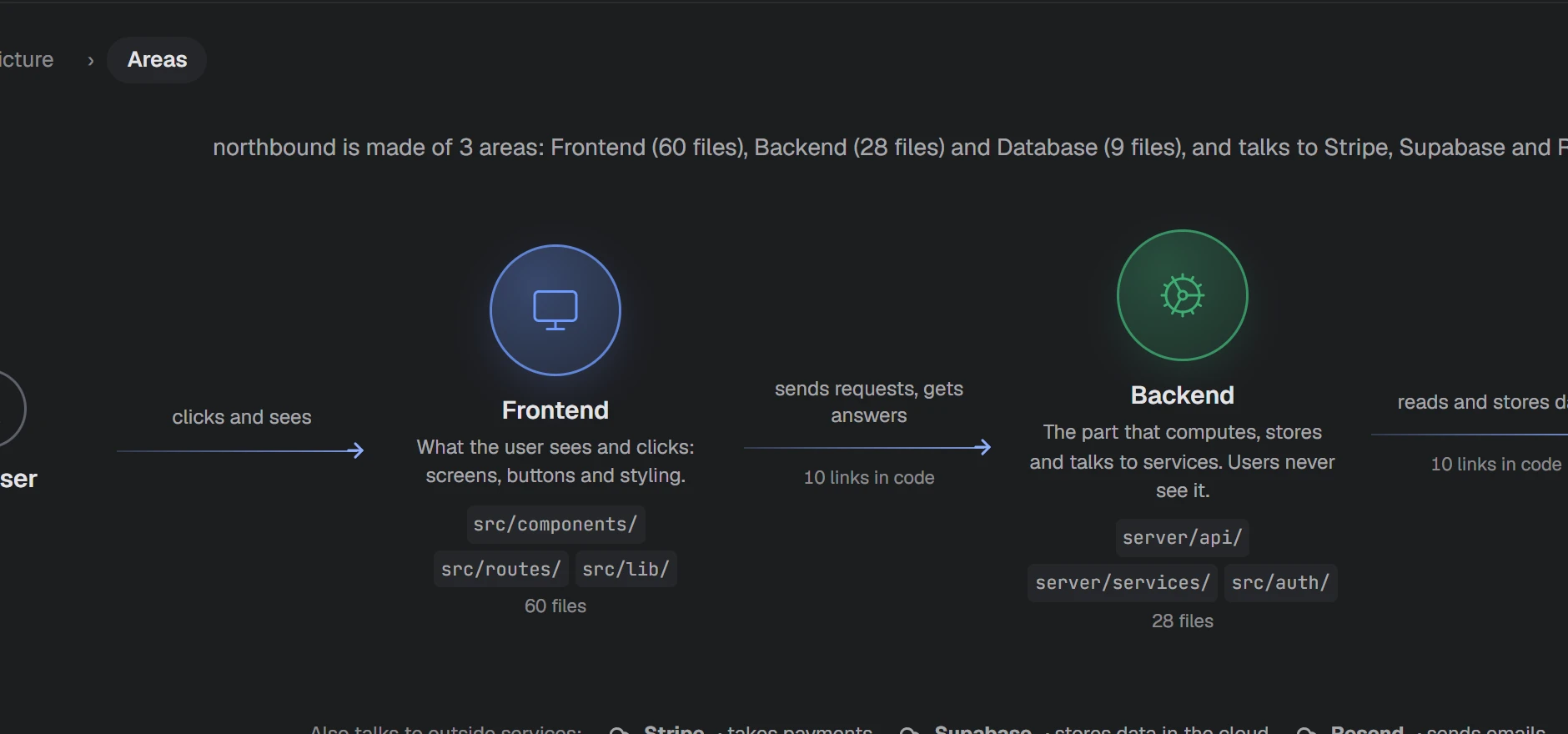
Folders, files and layers, each in one plain sentence. See how the parts connect.
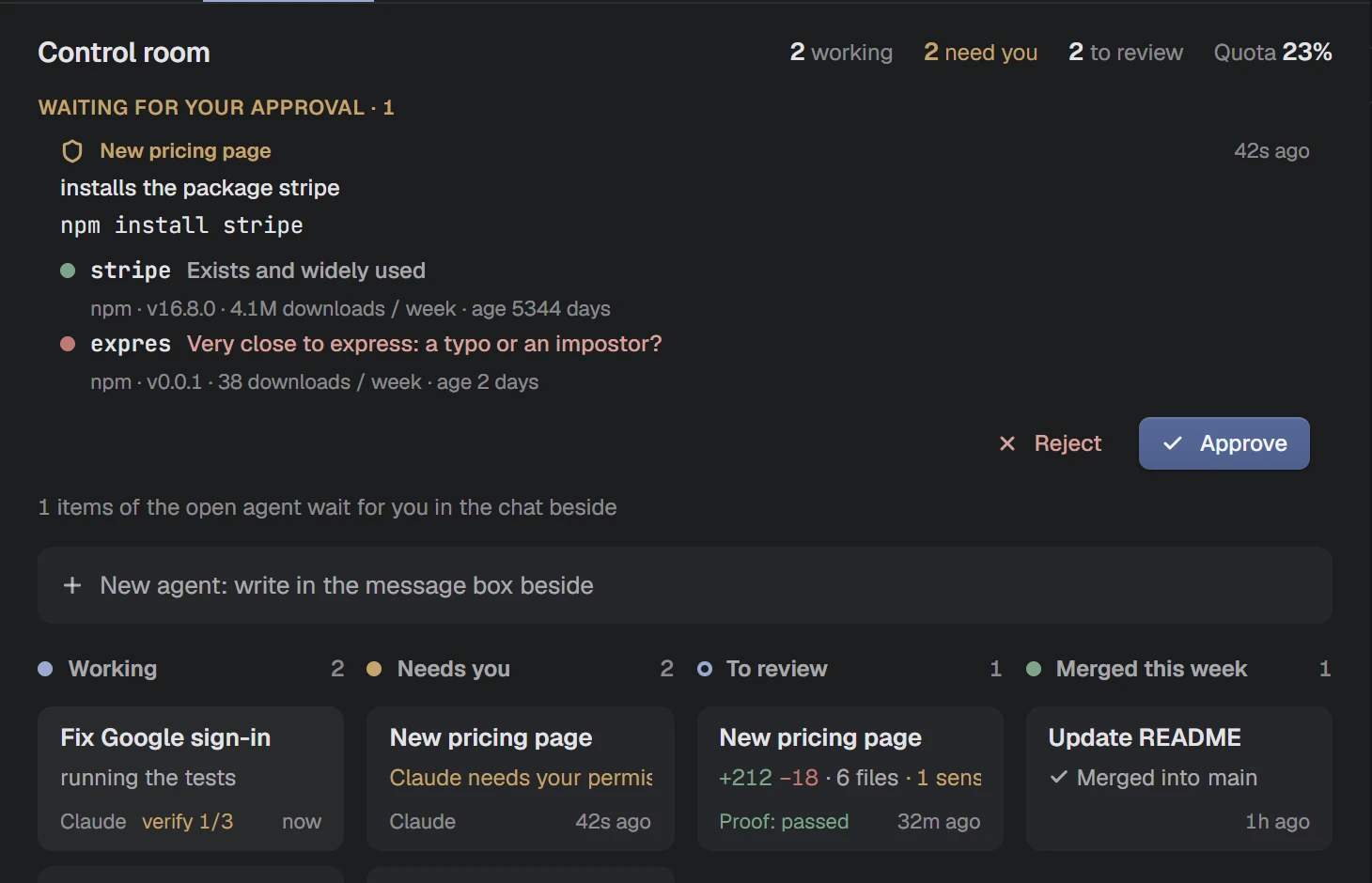
Working, needs you, ready to review. No terminal, no git knowledge.
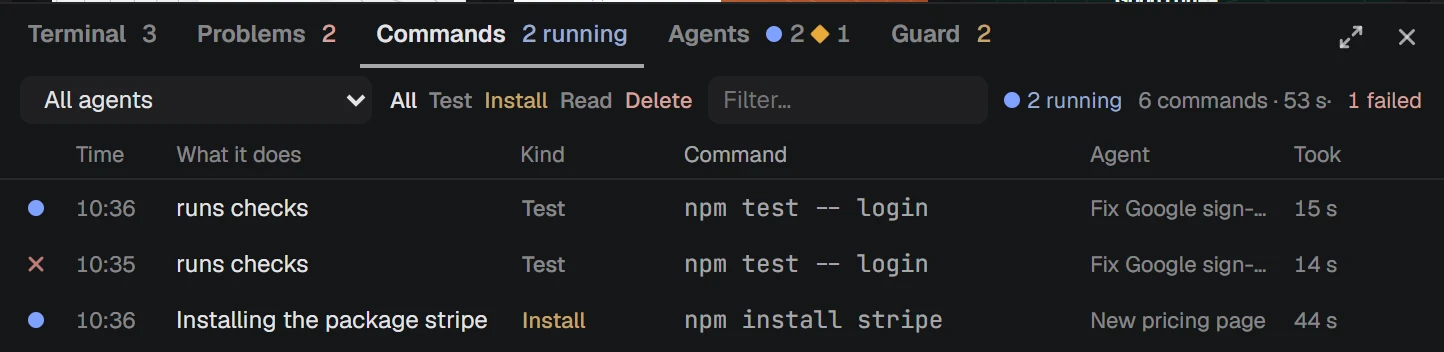
Checks run when the agent says done. You see what changed, riskiest first, and what it did not touch.
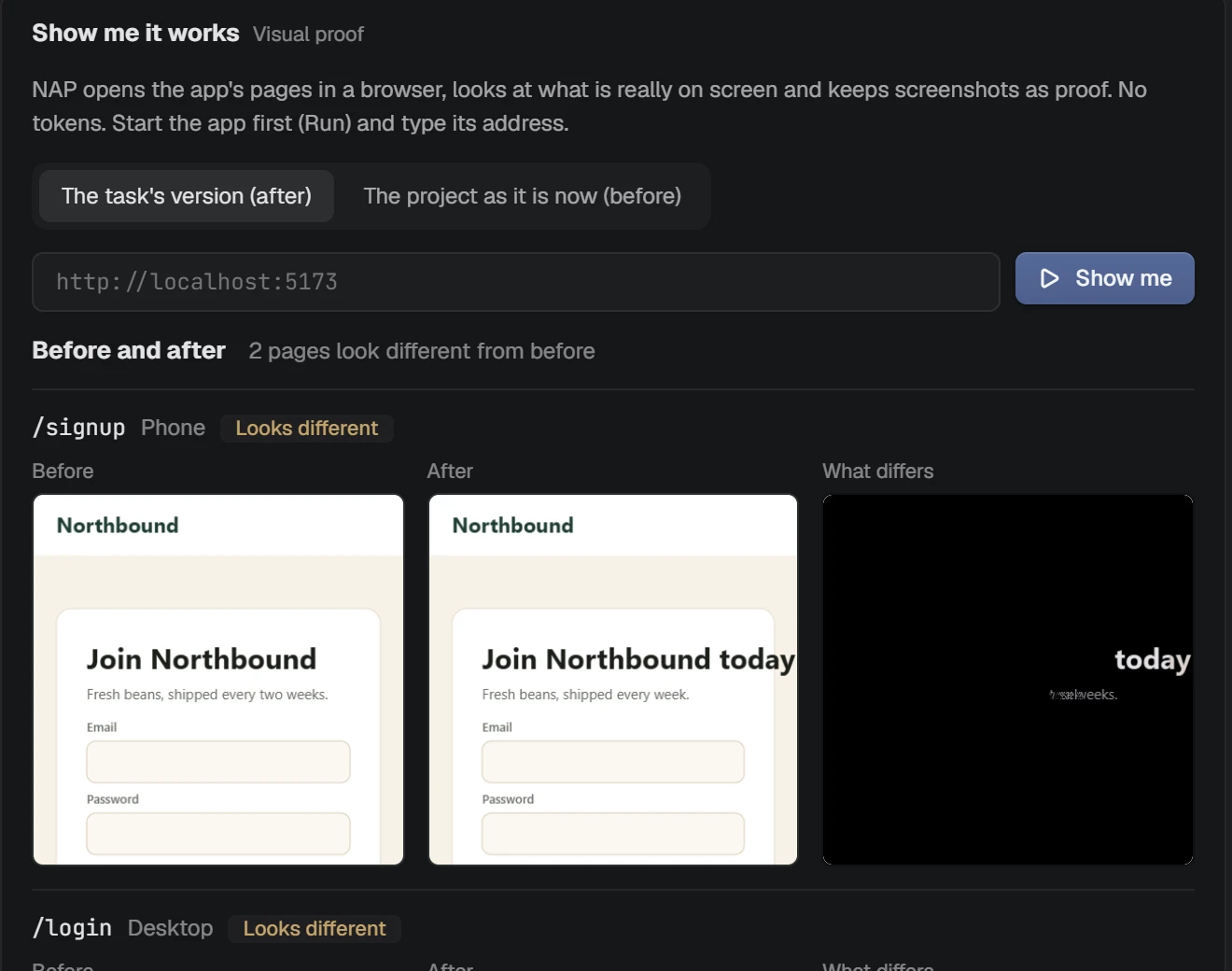
NAP opens your app's pages in a real browser and keeps a screenshot of each. Run it on the project and on the task, and see exactly what looks different.
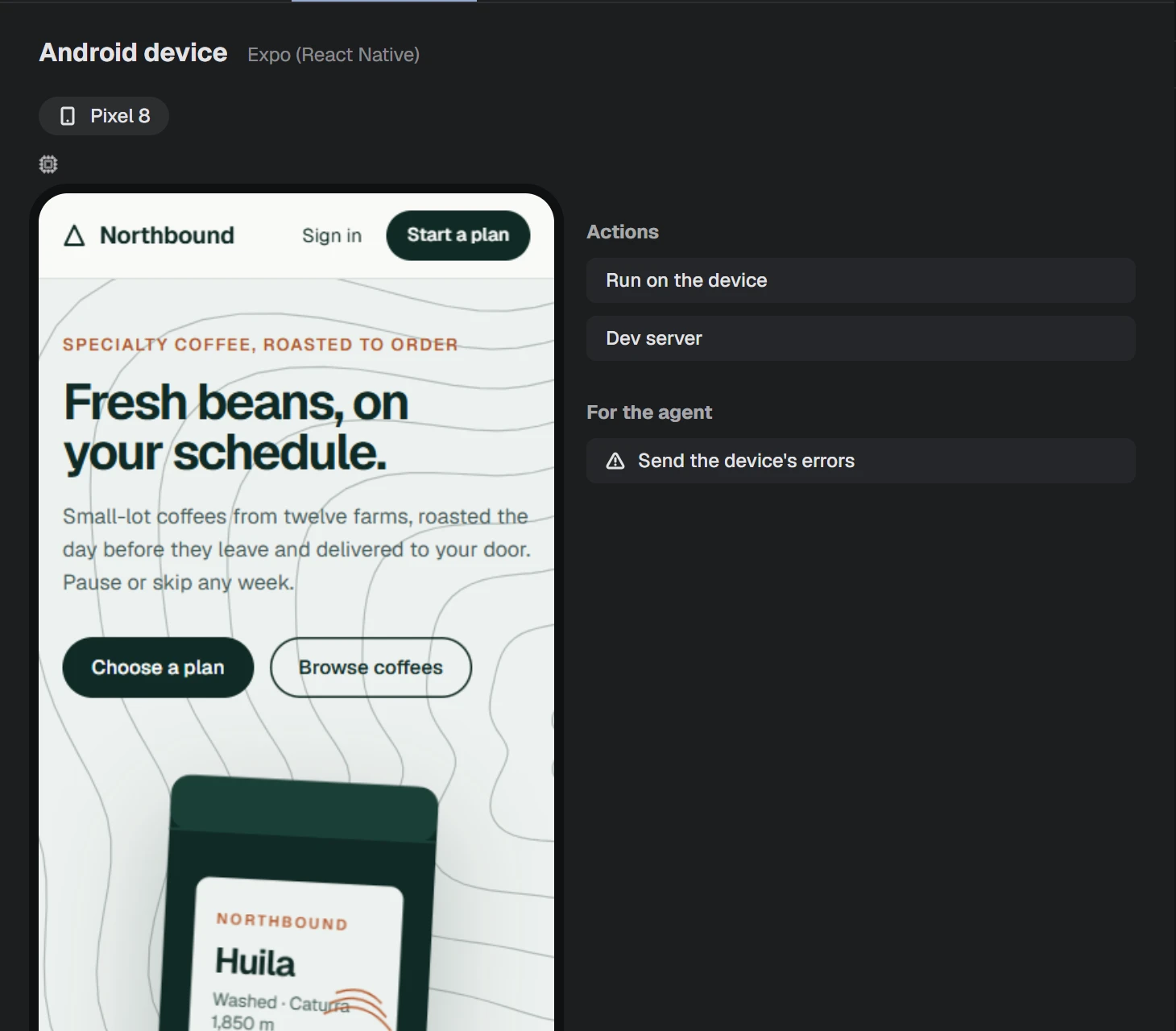
See your phone's screen inside NAP, tap and type from the computer, and install and run the app with your project's own commands. When something breaks, one click sends the device's errors to the agent. A virtual device on a strong computer is in early access.
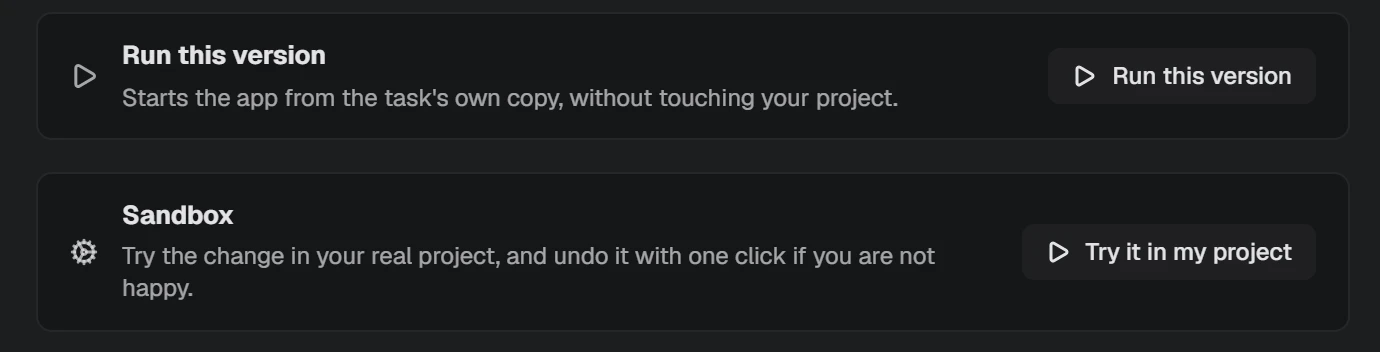
Run an agent's change in your real project and test it yourself. Not happy? One click puts every file back, and you can bring the change back later. Or run the task's own copy and compare before and after, without touching your project.
After an agent finishes a step, NAP opens your app's page and looks: does it answer, is the console clean? A problem shows one card, and only your click sends the agent a note. It is off until you turn it on, and it spends no tokens.
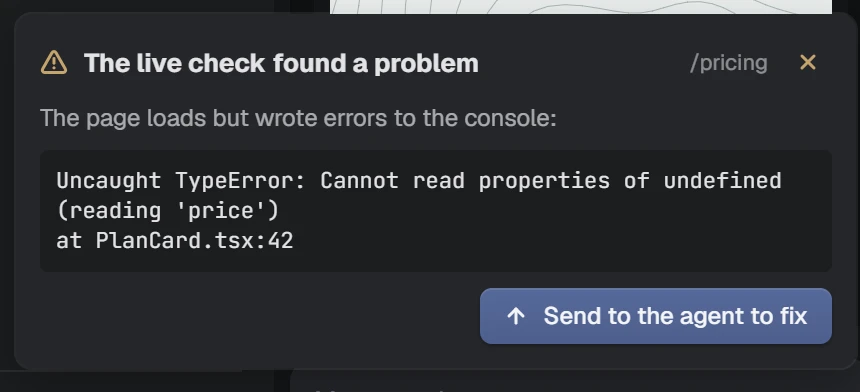
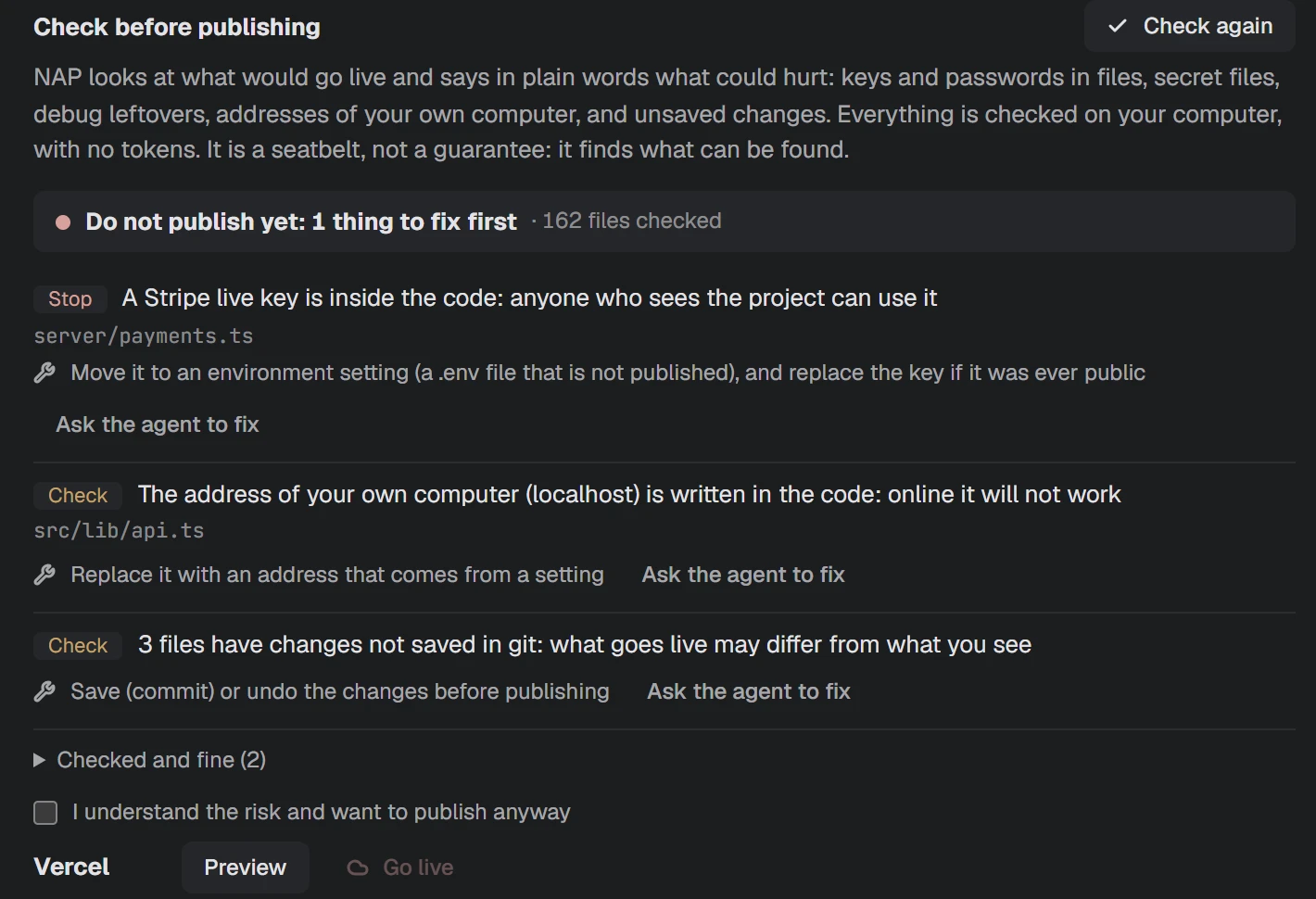
Keys in files, secret files git would upload, unsaved work, leftovers. Each in plain words, with what to do. Going live waits for you.
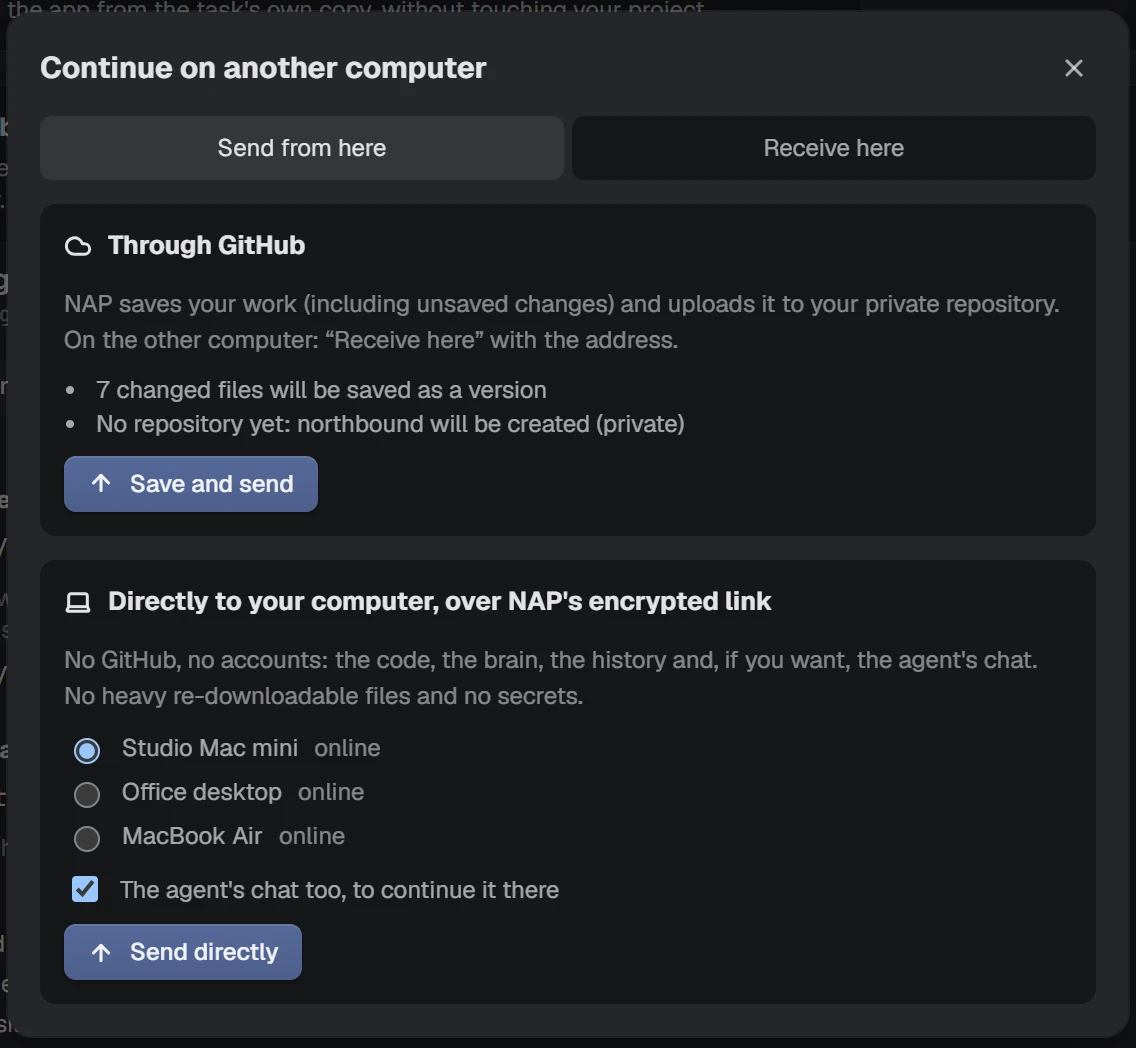
Send the project to your other computer through GitHub, or directly over NAP's encrypted link: the code, the project brain, the history and, if you choose, the agent's chat. No secrets, no heavy files, and no account for the direct way.
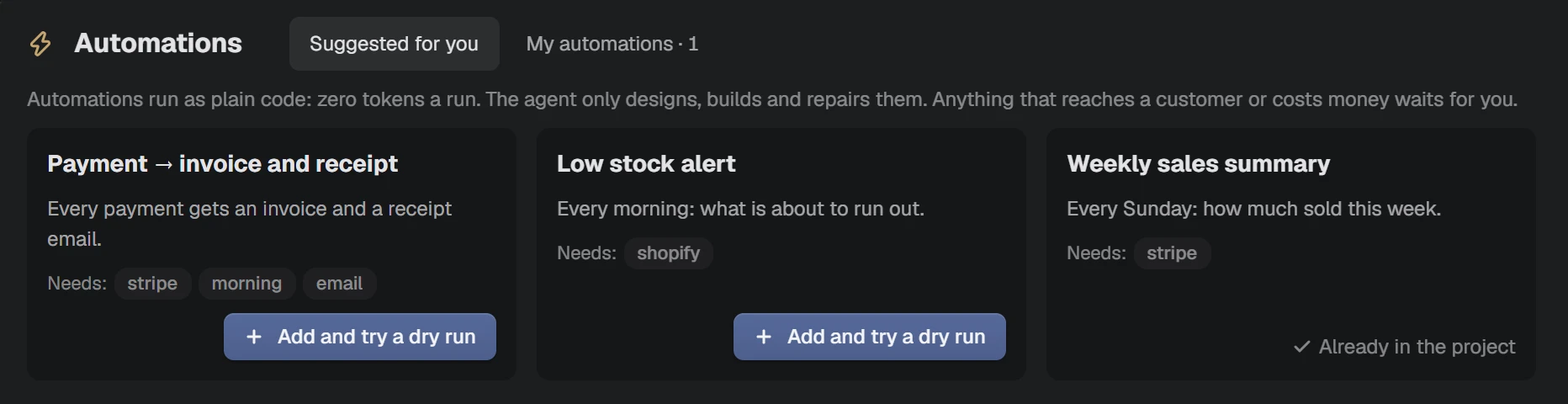
Ready-made flows for a shop, digital products or services: payment to invoice and receipt, low-stock alerts, a weekly sales summary. They run as plain code, zero tokens a run, and anything that reaches a customer or costs money waits for you. Today you can design them and try a dry run on sample data; live runs are next.
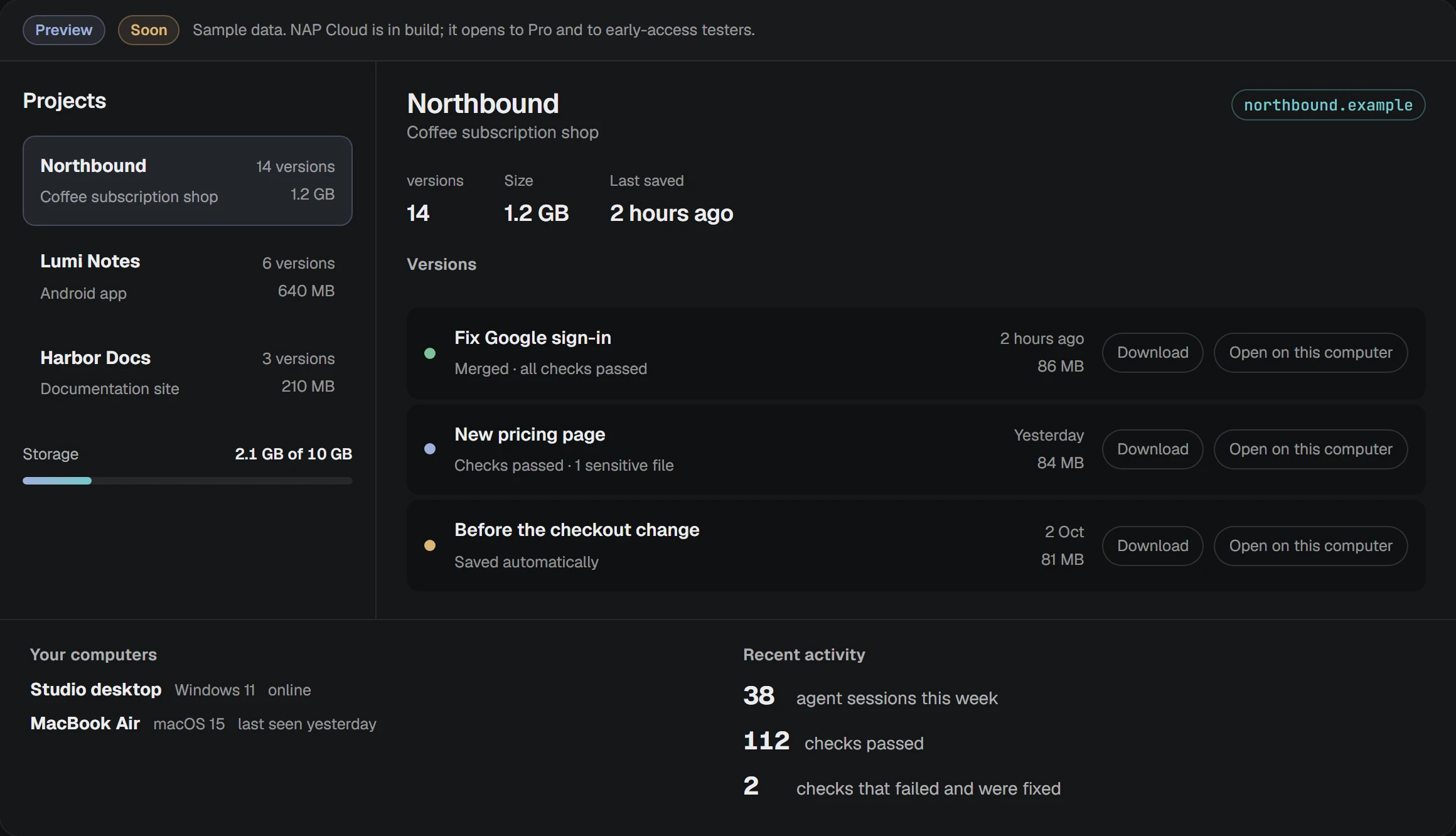
Encrypted snapshots from every computer, a project dashboard on this website with versions, briefs and screenshots, and a recovery phrase only you hold. 10 GB in Pro. In build now.
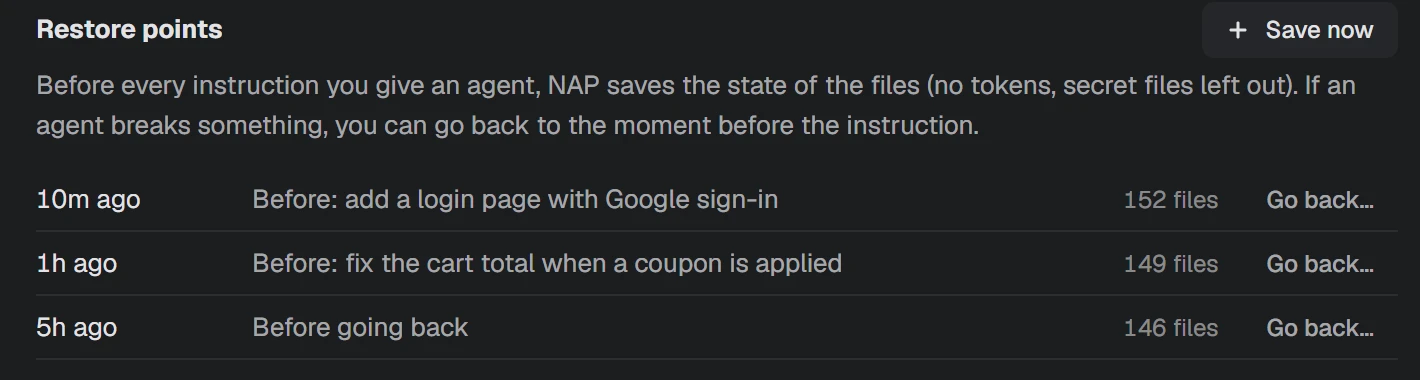
Before every instruction NAP saves your files, no tokens. If an agent breaks something, go back to just before it. Going back can be undone.
Every change grouped by part of the app, with what each file is. Not a wall of code.
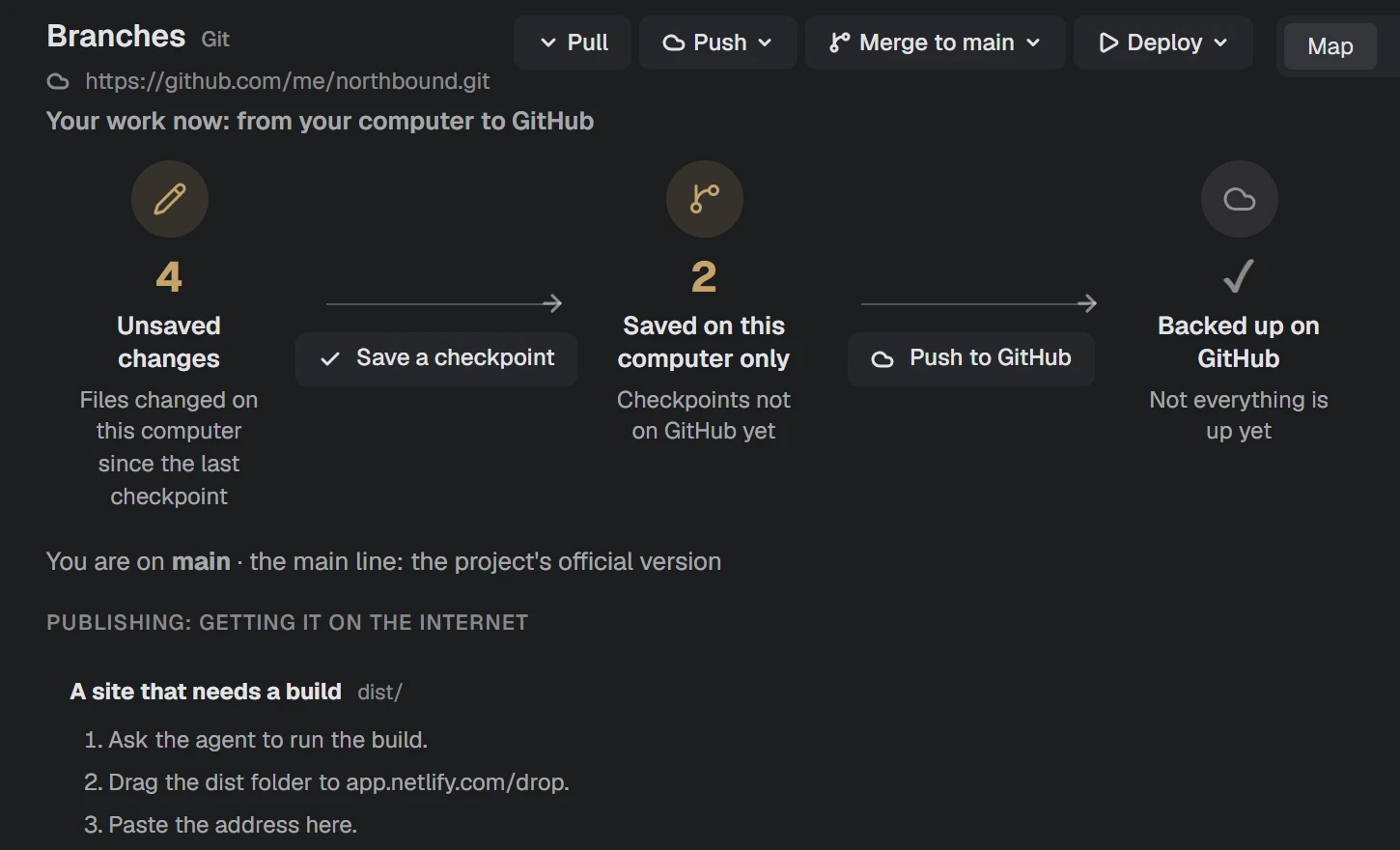
Every task on its own copy. Watch your work travel to GitHub, with automatic backups you can restore.
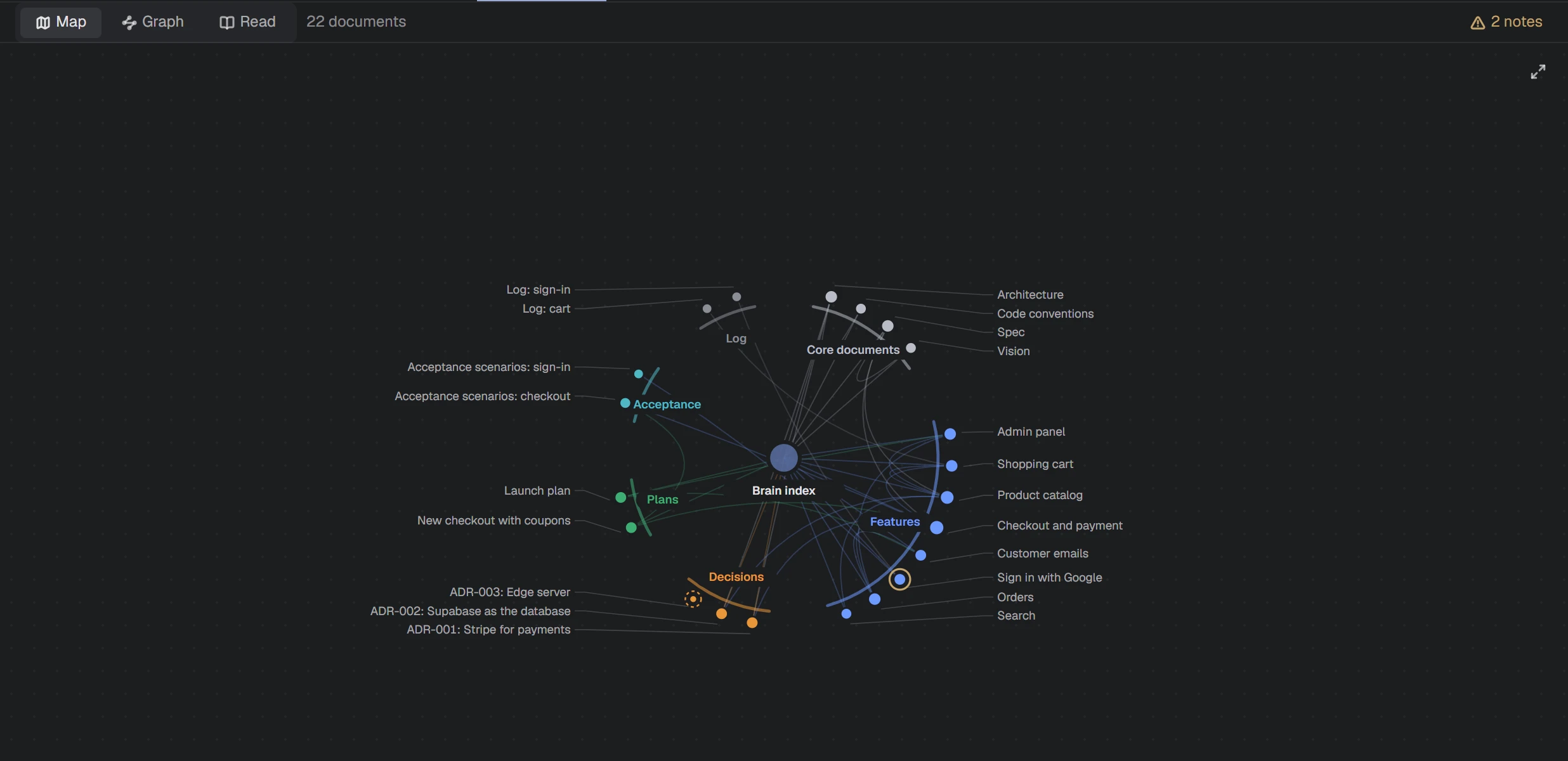
Project notes as a connected map, with a warning when the code has moved on.
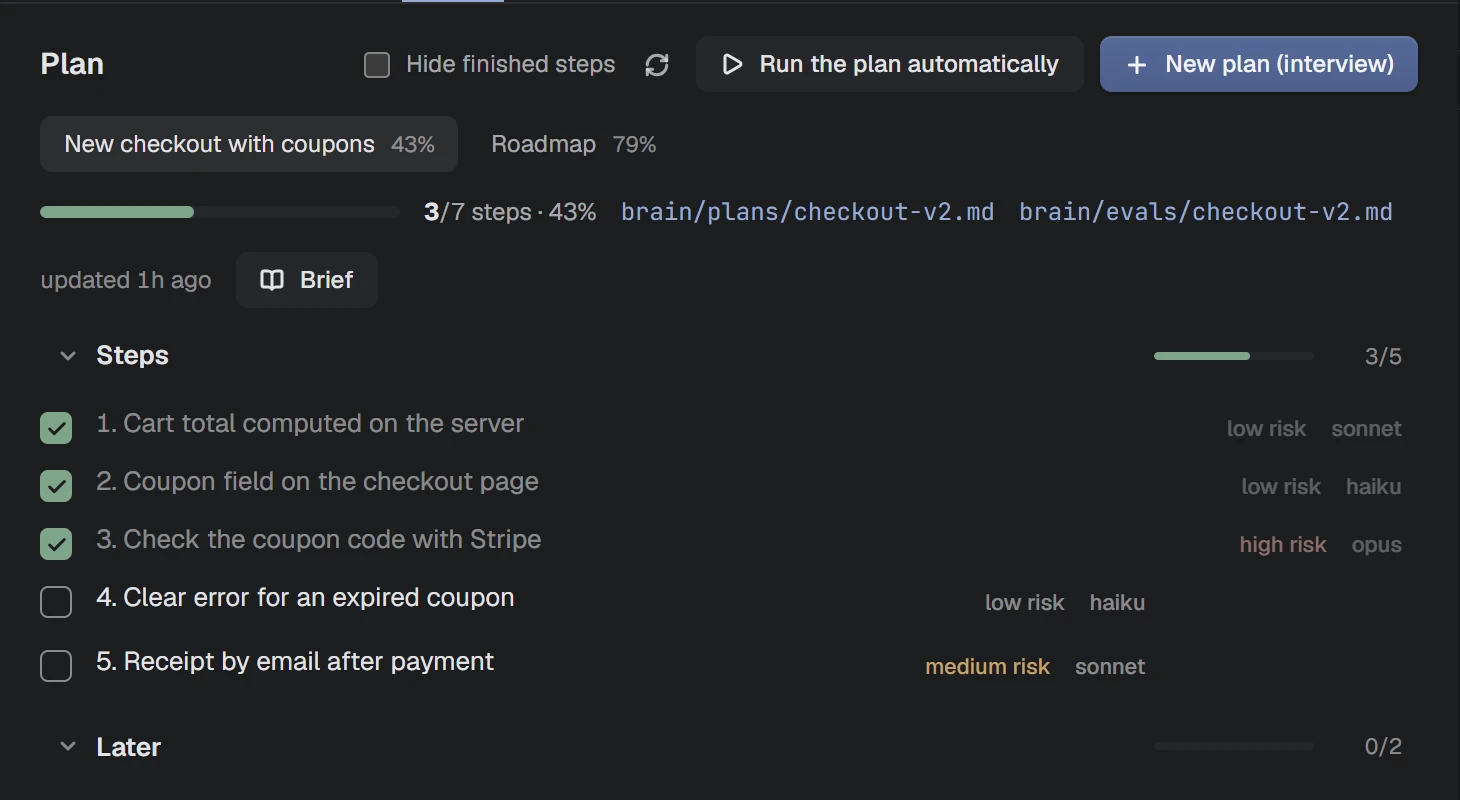
Small steps, tests first, and a check before anything counts as done. Enforced, not left to memory.
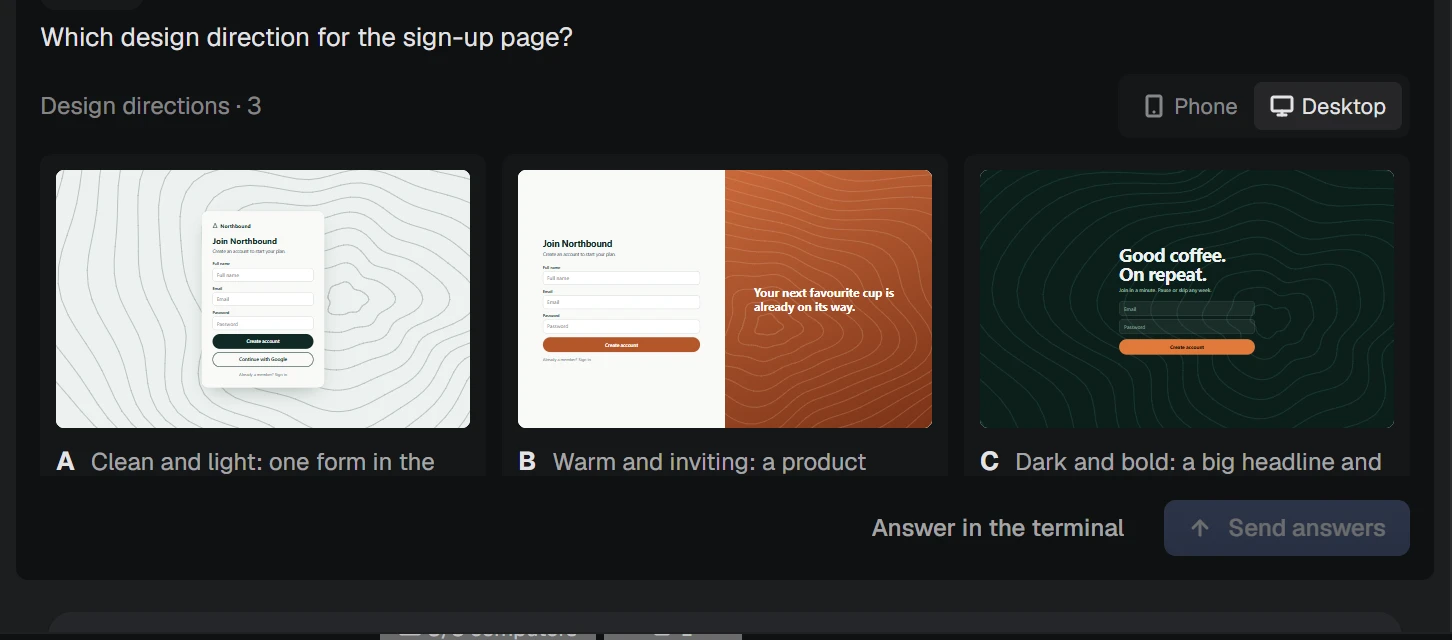
A few questions, then three design directions with a readability check.
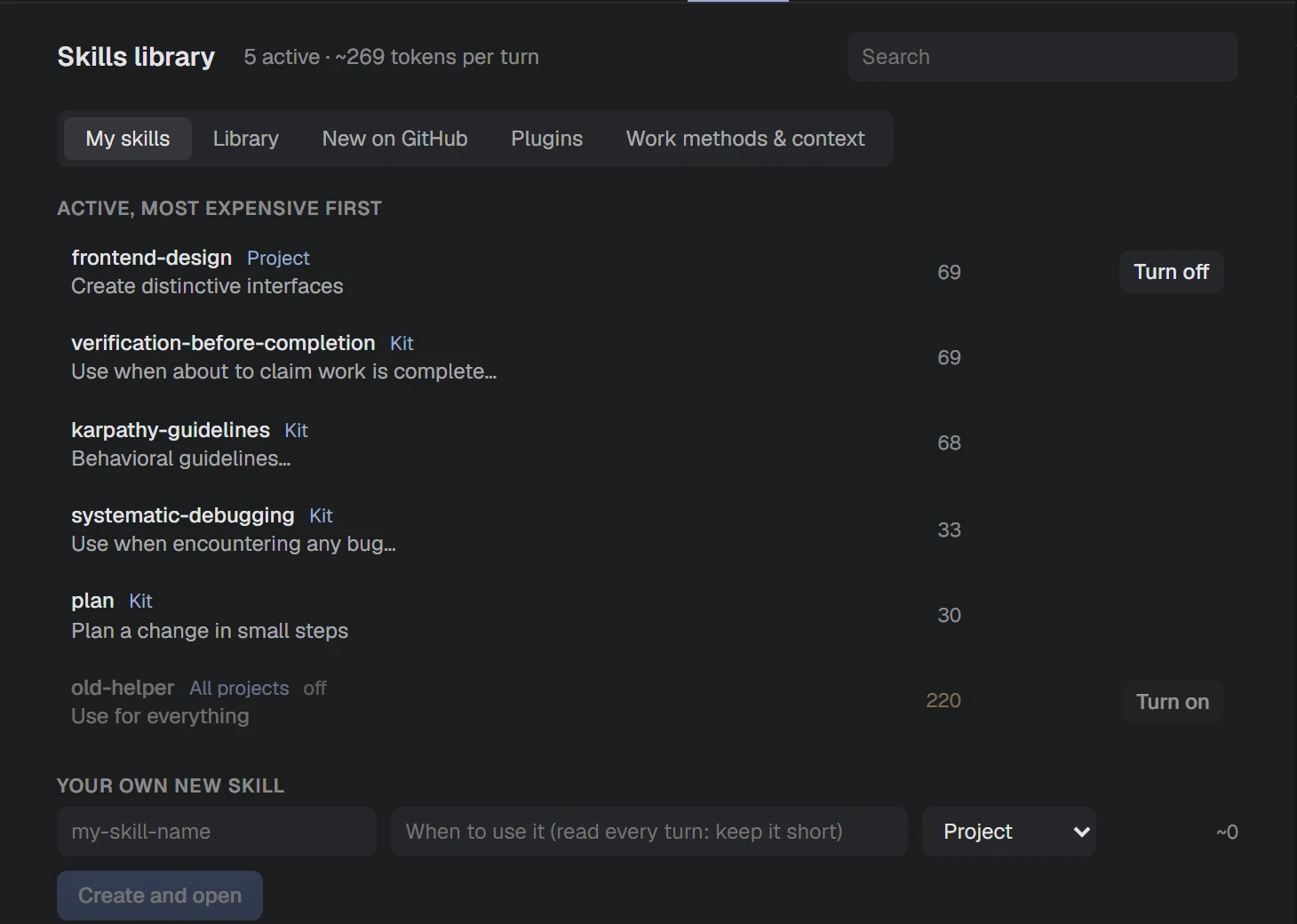
What each one does, what it costs per turn, and which fit this project.
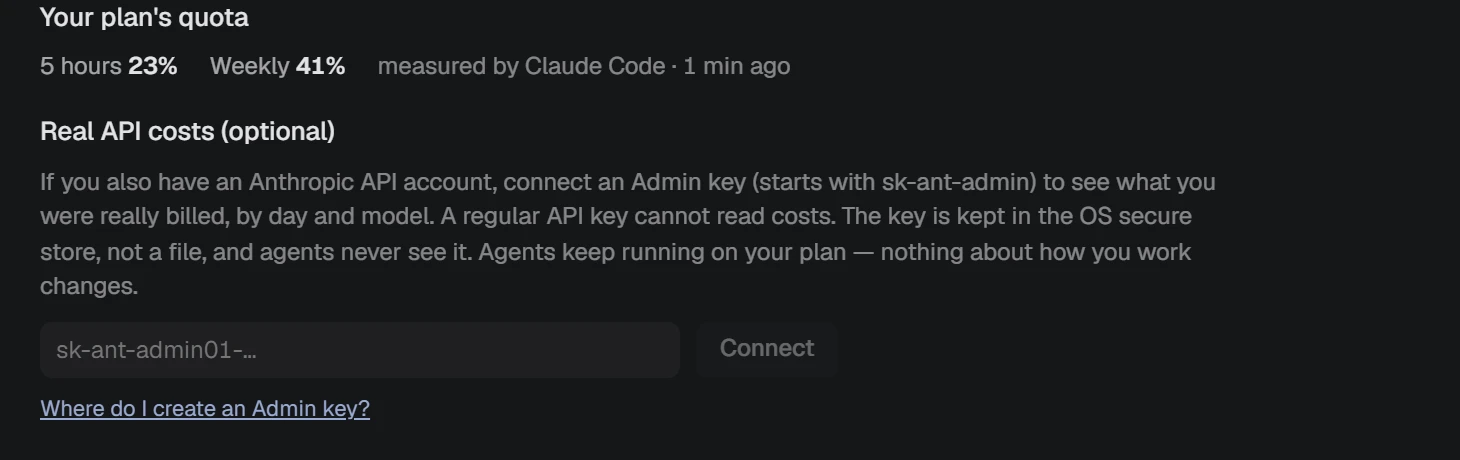
NAP removes API keys from the agents it starts, so they stay on your plan. See what each task cost.
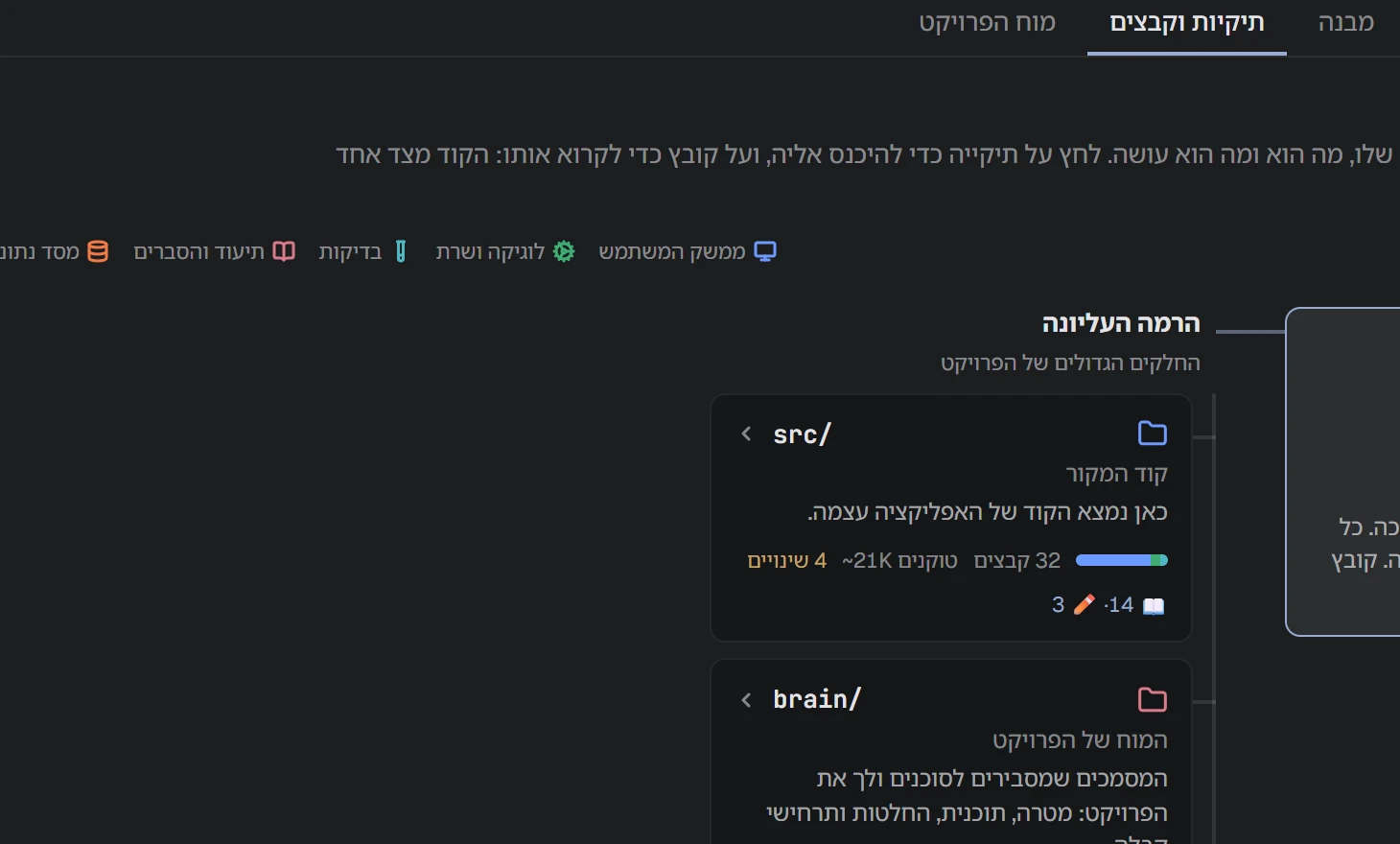
A fully mirrored interface, and every command explained in your language.
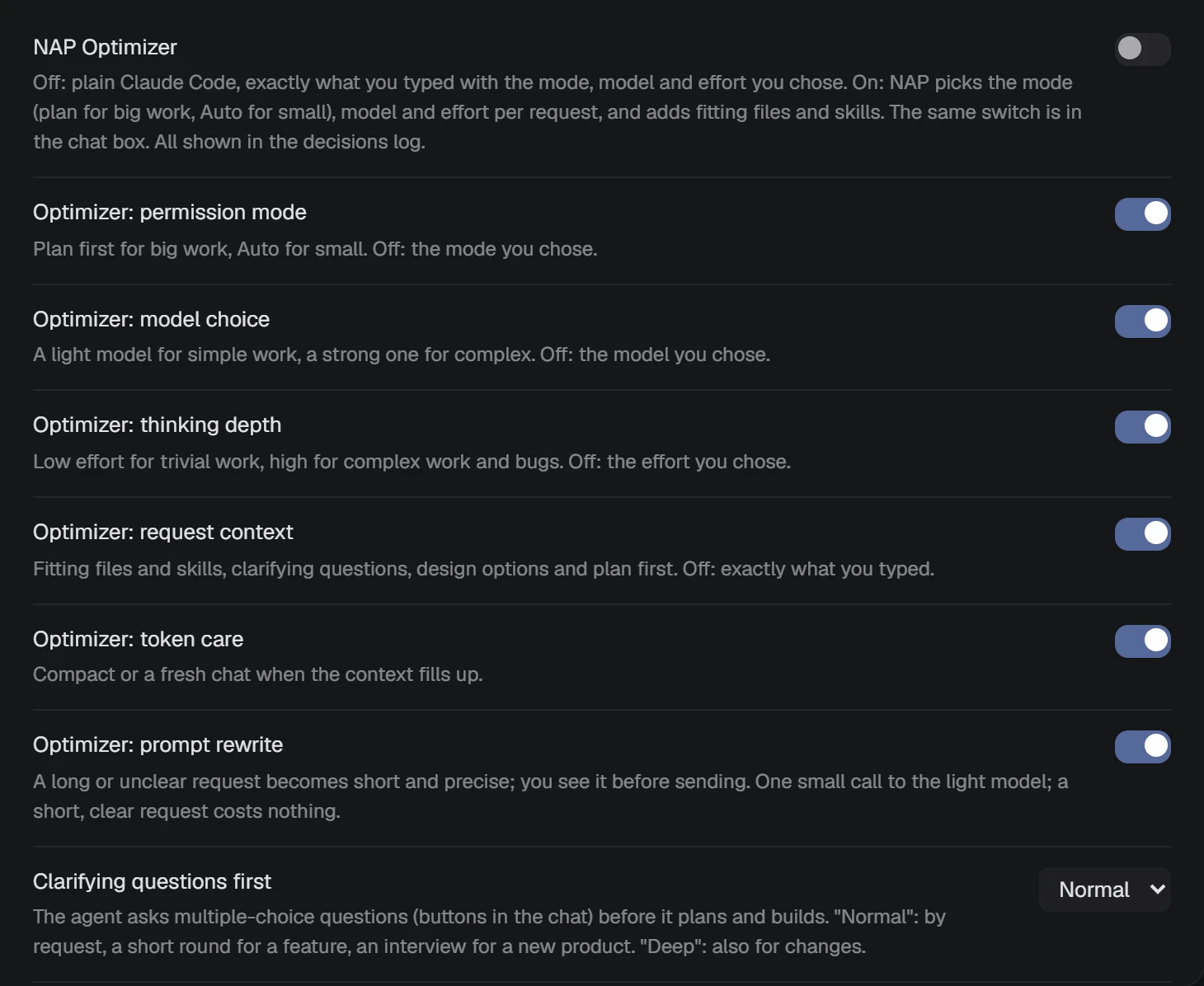
Mode, model and effort are chosen together, and every decision is logged.
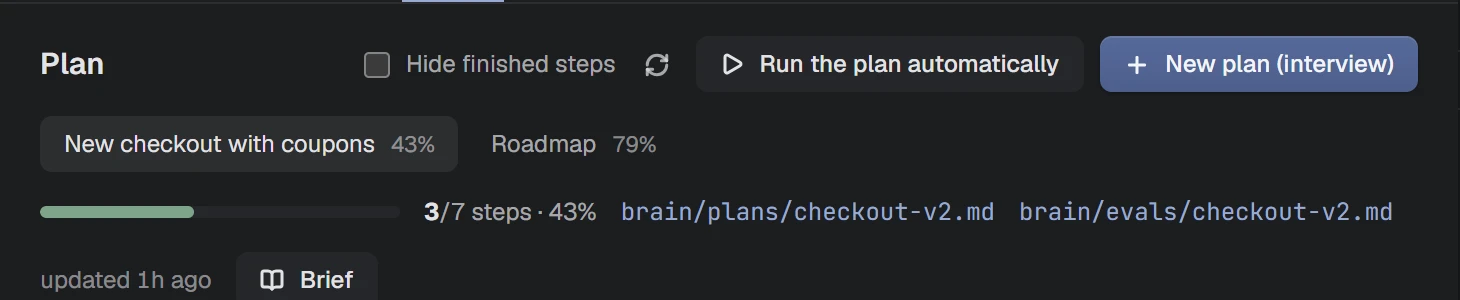
Runs the plan step by step, two at a time. You approve every merge. Spending caps are next.
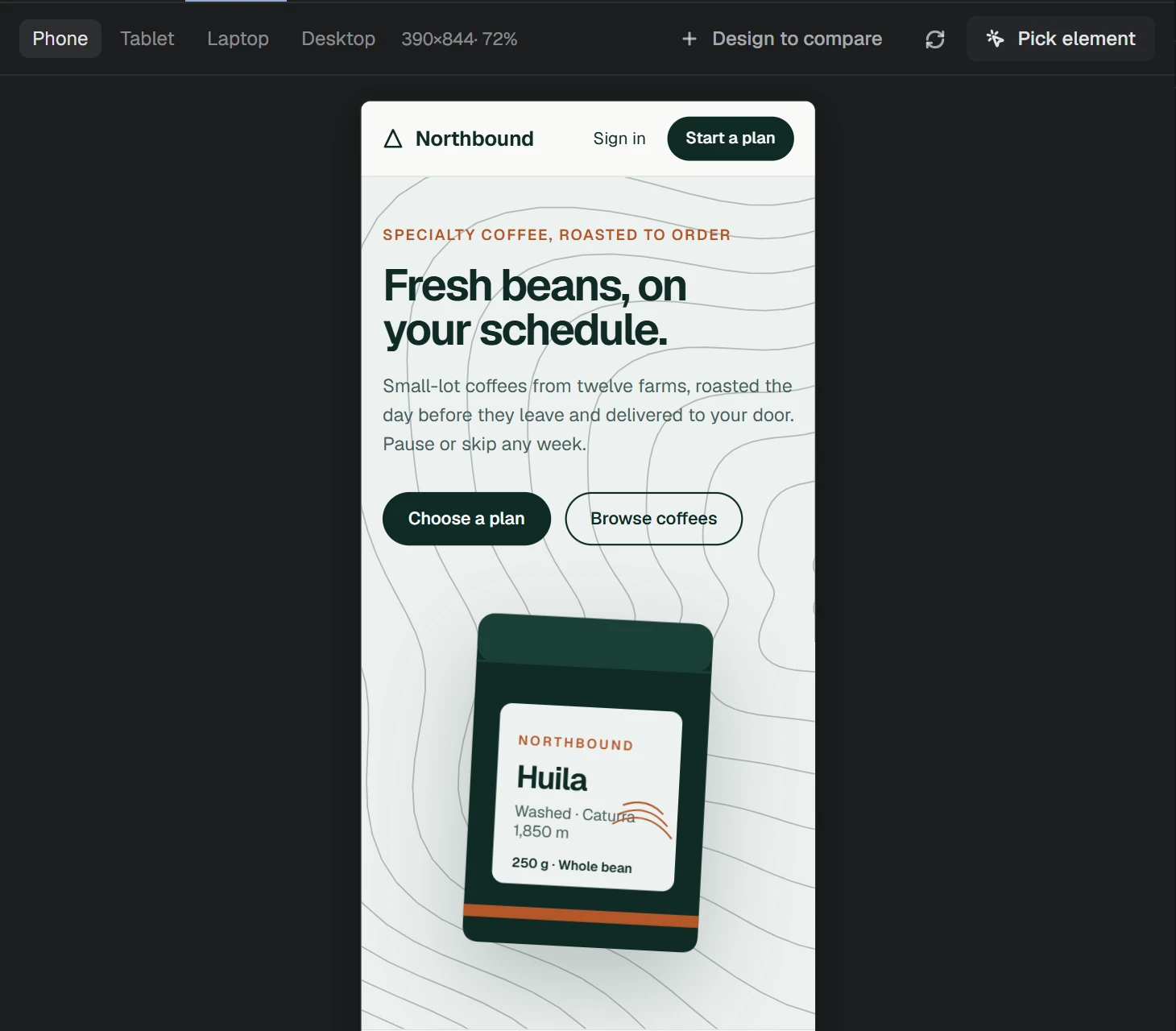
Your app at any screen size. Pro adds comparing it to a design.
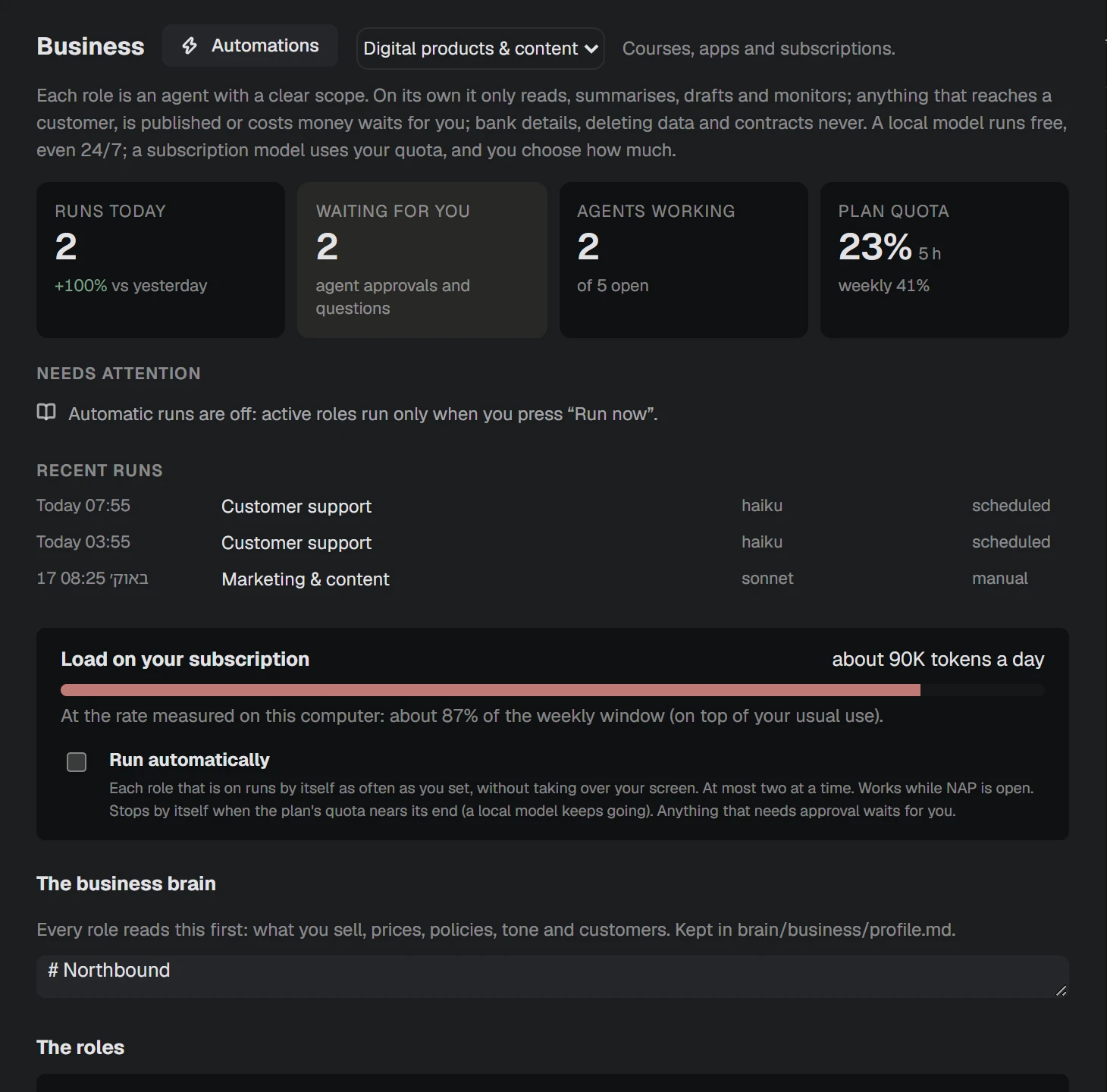
Roles for support, content and sales, on a schedule. You approve what reaches customers.
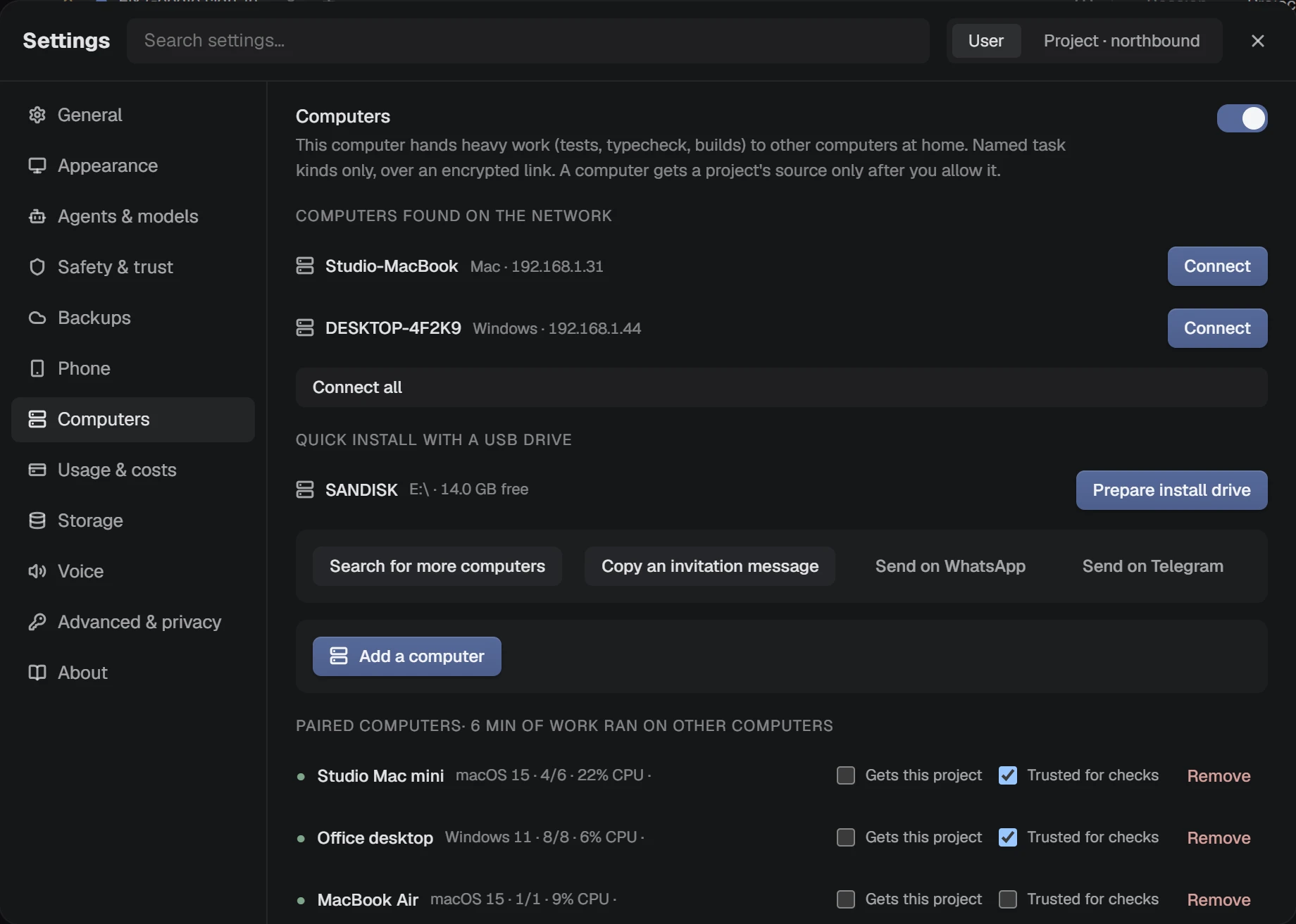
Heavy jobs go to idle computers at home. Early access. Pro removes the limit.
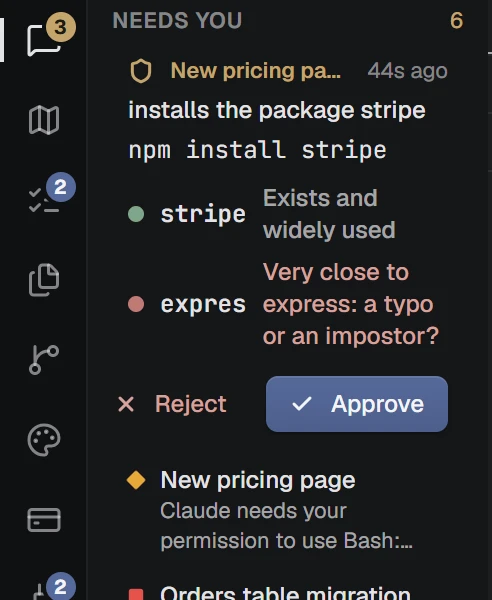
A traffic light on the real path, and one button that stops everything.
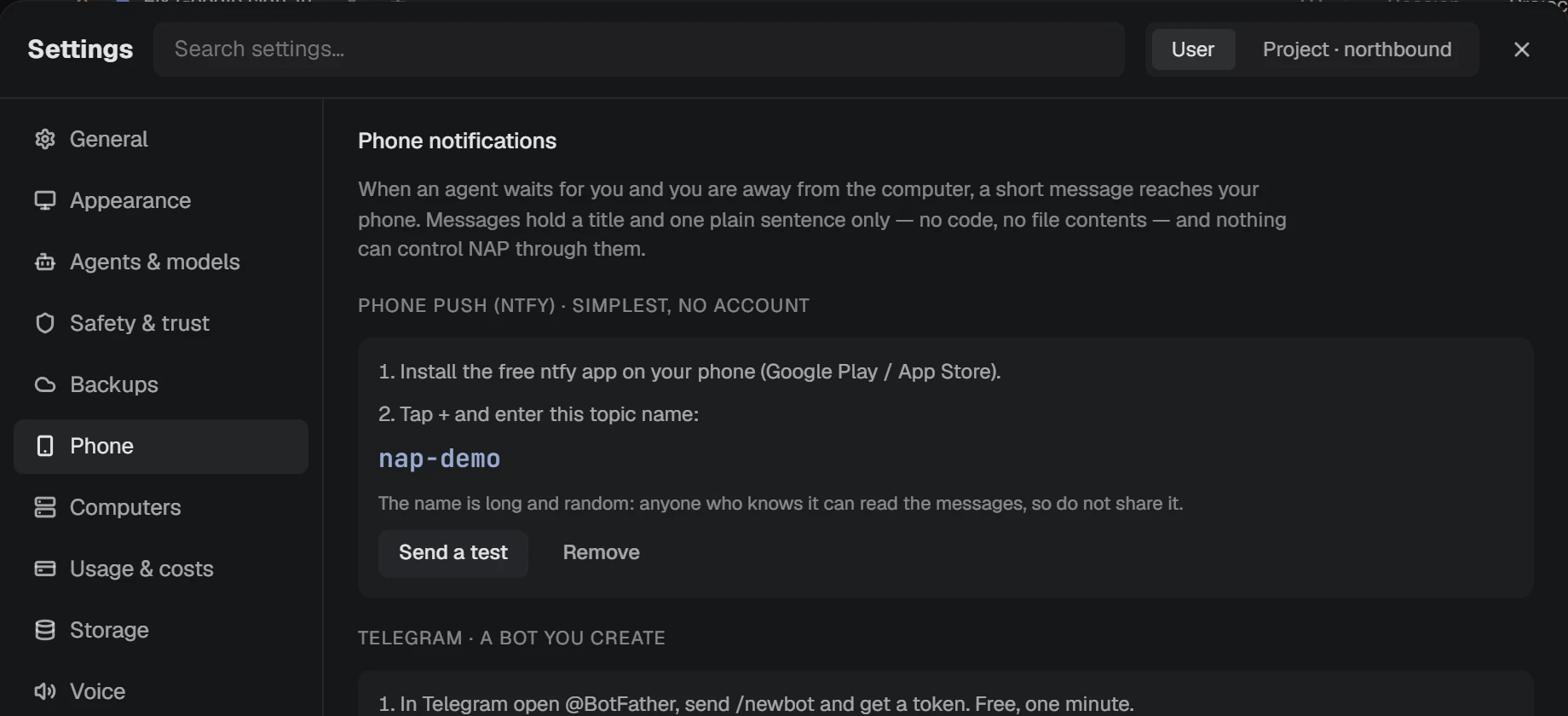
See agents, answer questions and approvals, and stop an agent. Encrypted end to end.
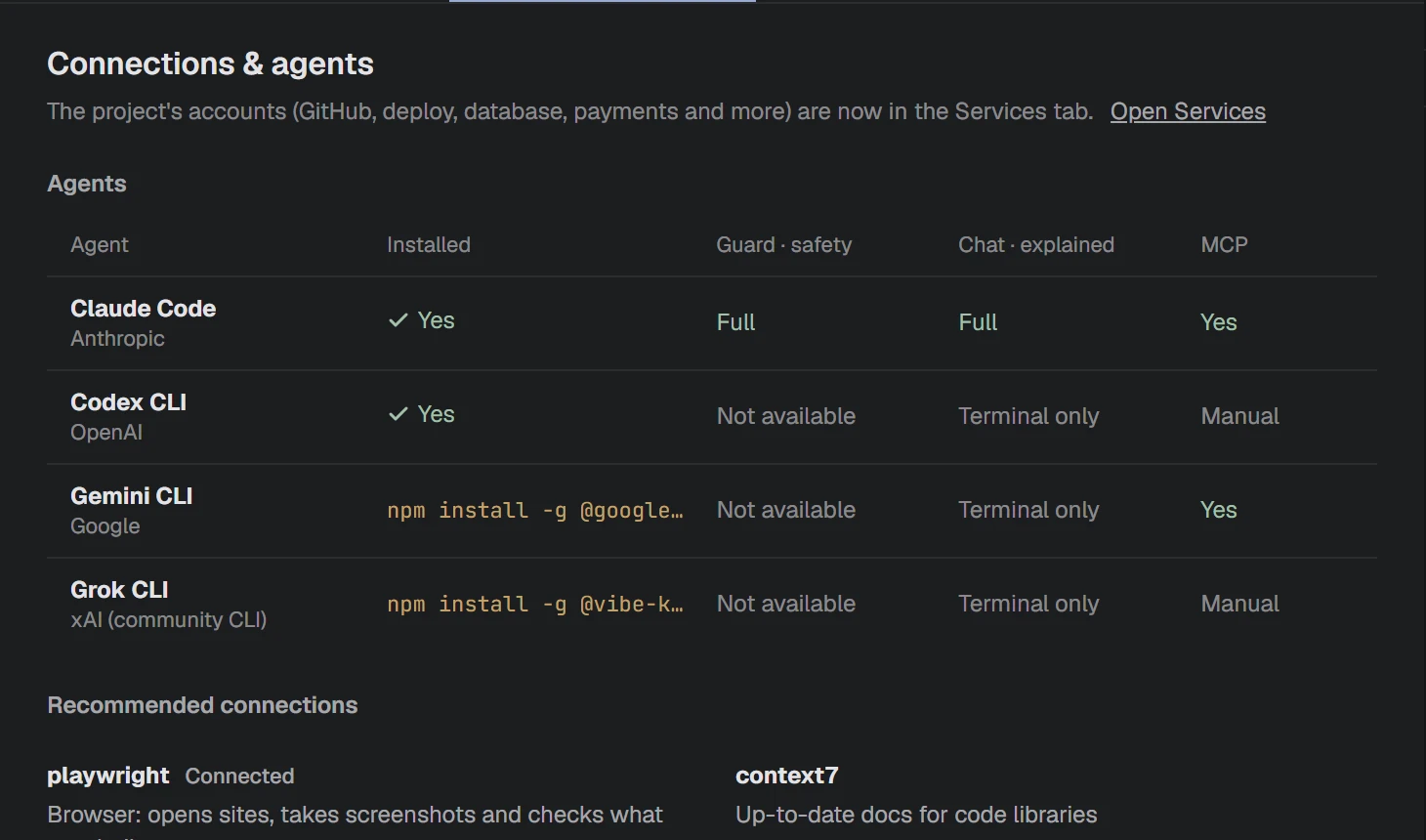
Claude Code fully integrated. Others run in terminals, with their limits stated.
Ctrl + K searches actions, agents, tasks and files.
Every 30 minutes, with a preview before you restore.
Asks you when an agent repeats the same step.
Shows what loads on every request, and what it costs.
Errors in plain words, with a button to hand them to the agent.
Warns before you work on a copy that is behind GitHub.
Limit an agent to one folder. Review flags anything it touched elsewhere.
A quick scan shows what reading each folder costs an agent.
Another agent reads the change and says, in plain words, whether to merge.
Pick something on screen. NAP says what it is and which file draws it.
A short recording becomes key frames and a timeline.
Lists build junk with its size. You tick, it deletes.
Every word you meet, explained in a sentence, from the Help menu.
The shortest free way to put your kind of project online, and a check that the address answers.
Export what the guard allowed, asked about and blocked, kept outside the project.
Each window signs its own approvals and tells the others it is there.
A PDF you attach becomes text on your computer, with no tokens spent reading it.
Ask two agents the same thing on different computers and read the answers side by side.