Guide
Get started.
From install to your first merged task.
What you need
Windows 10 or 11
Tested on Windows 11.
Claude Code, signed in
NAP runs your Claude Code.
A Claude subscription
Pro or Max. NAP never uses API keys.
Git
Needed for separate task copies.
Install
Install Claude Code
Install it and sign in once.
Run the NAP installer
One installer, no setup questions.
Open a project folder
Trust it when NAP asks.
Early access. The installer opens with the first release, and early builds may show a Windows SmartScreen warning until releases are signed.
Your first task
Describe what you want
Type in the box. Answer the questions that come back.
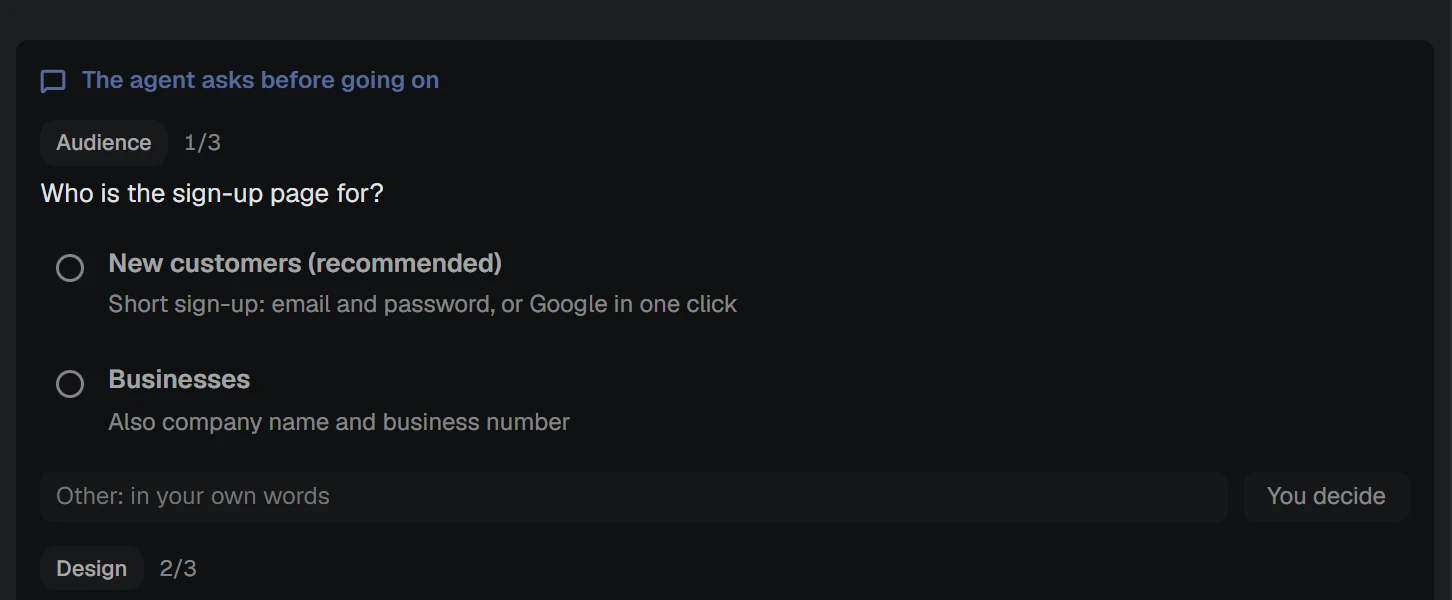
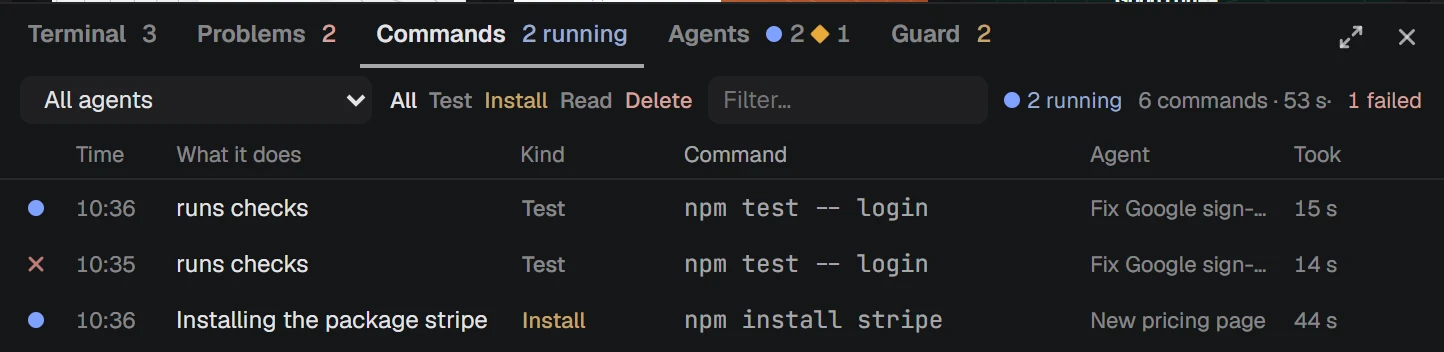
Read what the agent does
Every command appears with a plain explanation.
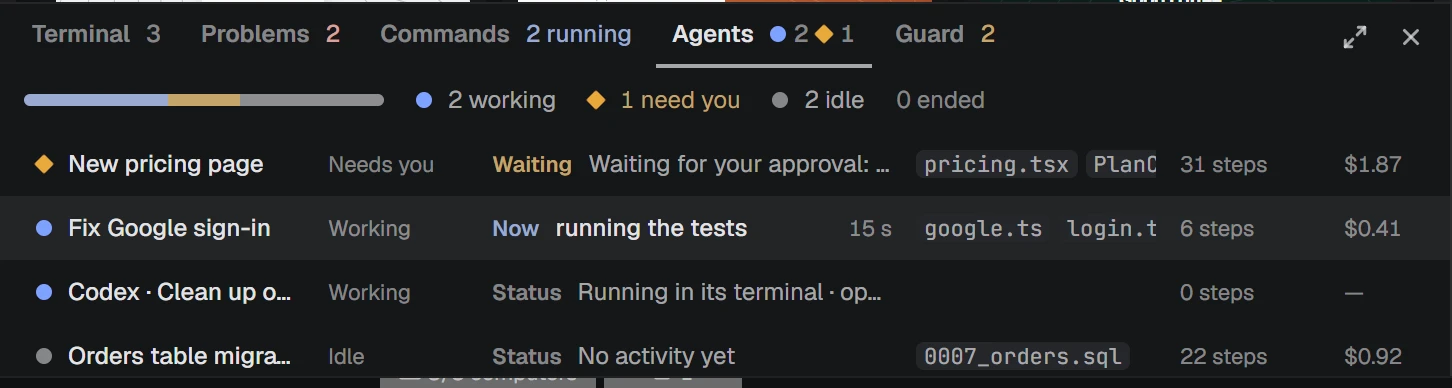
Check the progress
Each agent shows its current step.
Read the proof
Checks, changed files, and what was not touched.
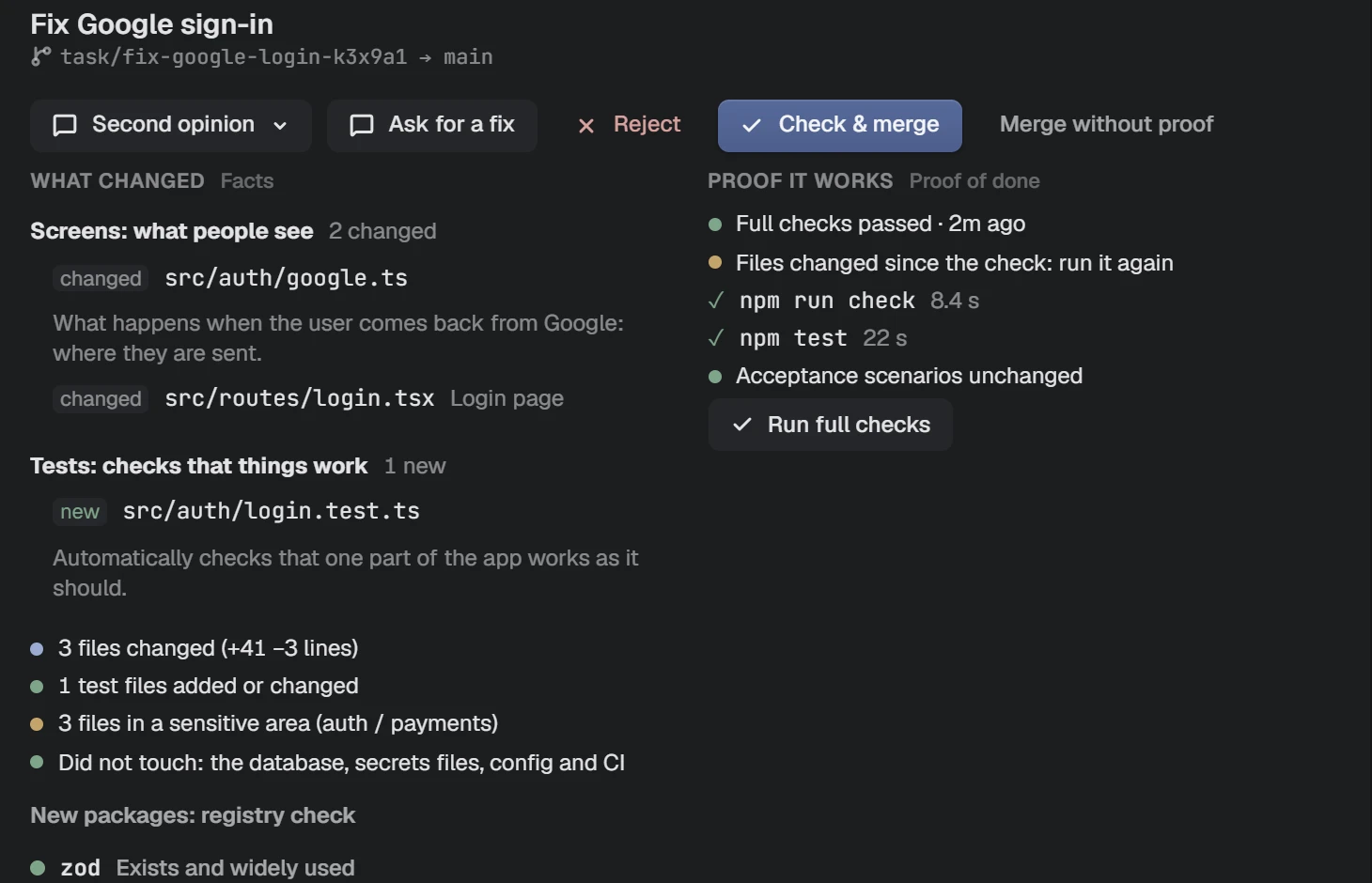
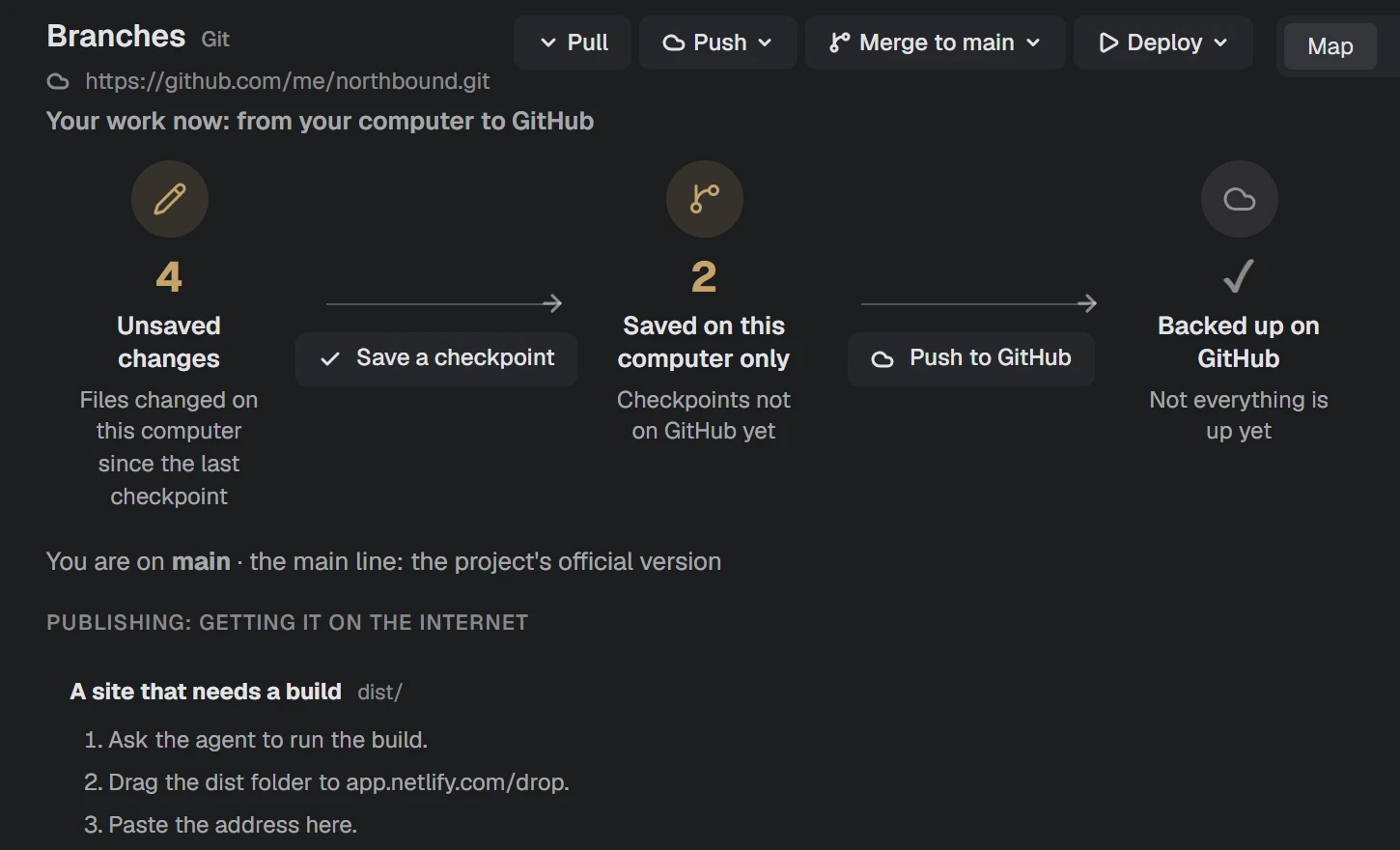
Merge or reject
Approve everything, or just part of it.
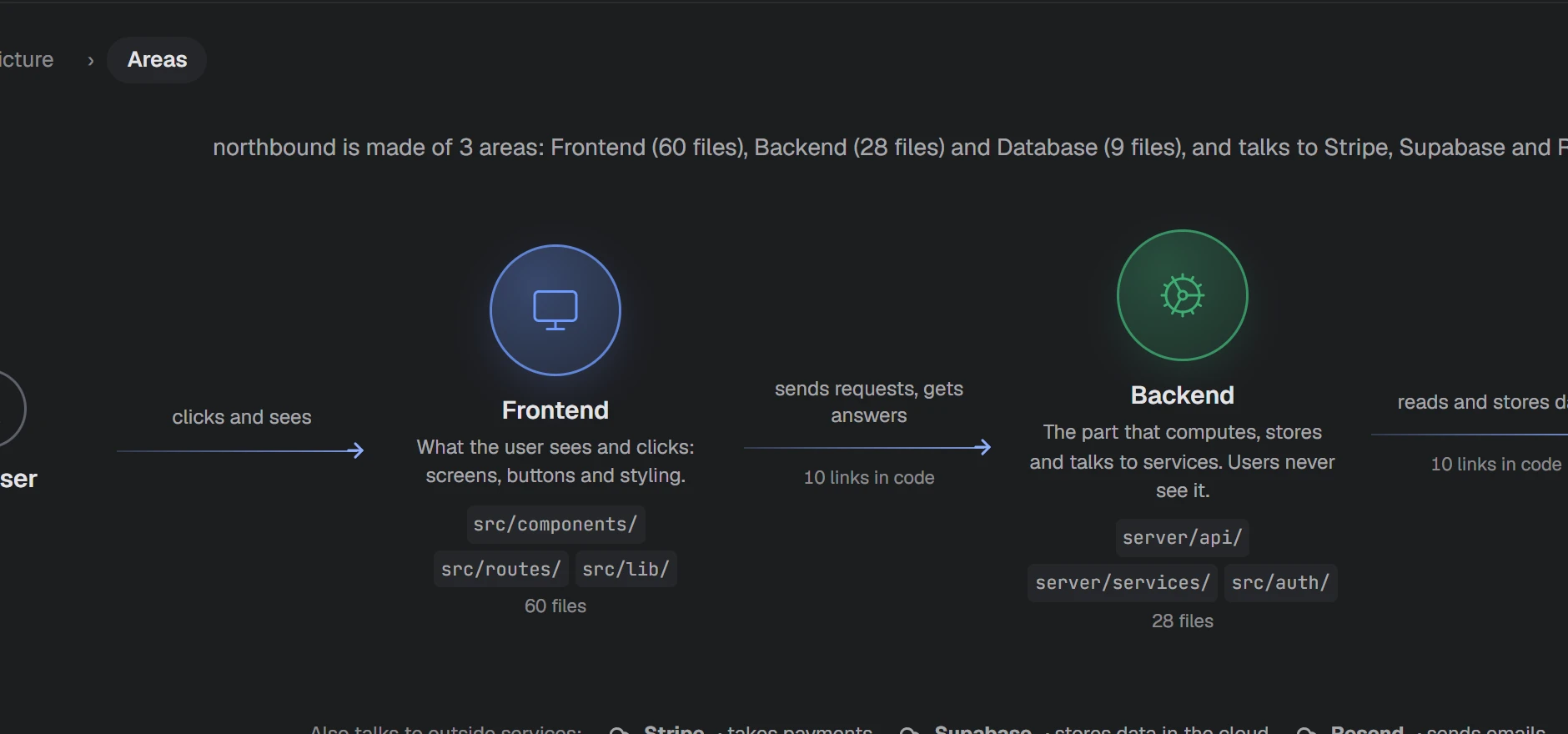
Understand your project
Open the map to see what lives where.
Shortcuts
| Ctrl + K | Search files, commands and agents |
| Ctrl + 1 … 6 | Switch between the main views |
| Ctrl + O | Open a folder |
| Ctrl + Shift + ` | New terminal |
| Ctrl + B / J | Show or hide the side and bottom panels |
| Ctrl + / − | Zoom the interface |
If something goes wrong
Windows shows a warning when I install.
Early builds are not signed yet. Check that the download came from steerwright.com, compare its checksum on the download page, then choose More info and Run anyway.
NAP says the folder is not trusted.
A new folder opens in restricted mode, so nothing runs by itself. Choose Trust folder if you know where it came from.
The agent will not start.
Open a terminal and run claude once to sign in. NAP uses the Claude Code installed on your computer.
I reached my usage limit.
The status bar shows your quota pace. Wait for the window to reset, or lower the model and effort for simple tasks.
Download
NAP explains what your AI agents do, guides the work and lets in only what is proven.
Download for Windows